Managing Multiple Tournament Organizers
This page documents the feature for defining multiple organizers for a single tournament.
Overview
A tournament can now be managed by multiple organizers. This feature allows for better distribution of responsibilities and more flexible event management.
Centralized Email Address
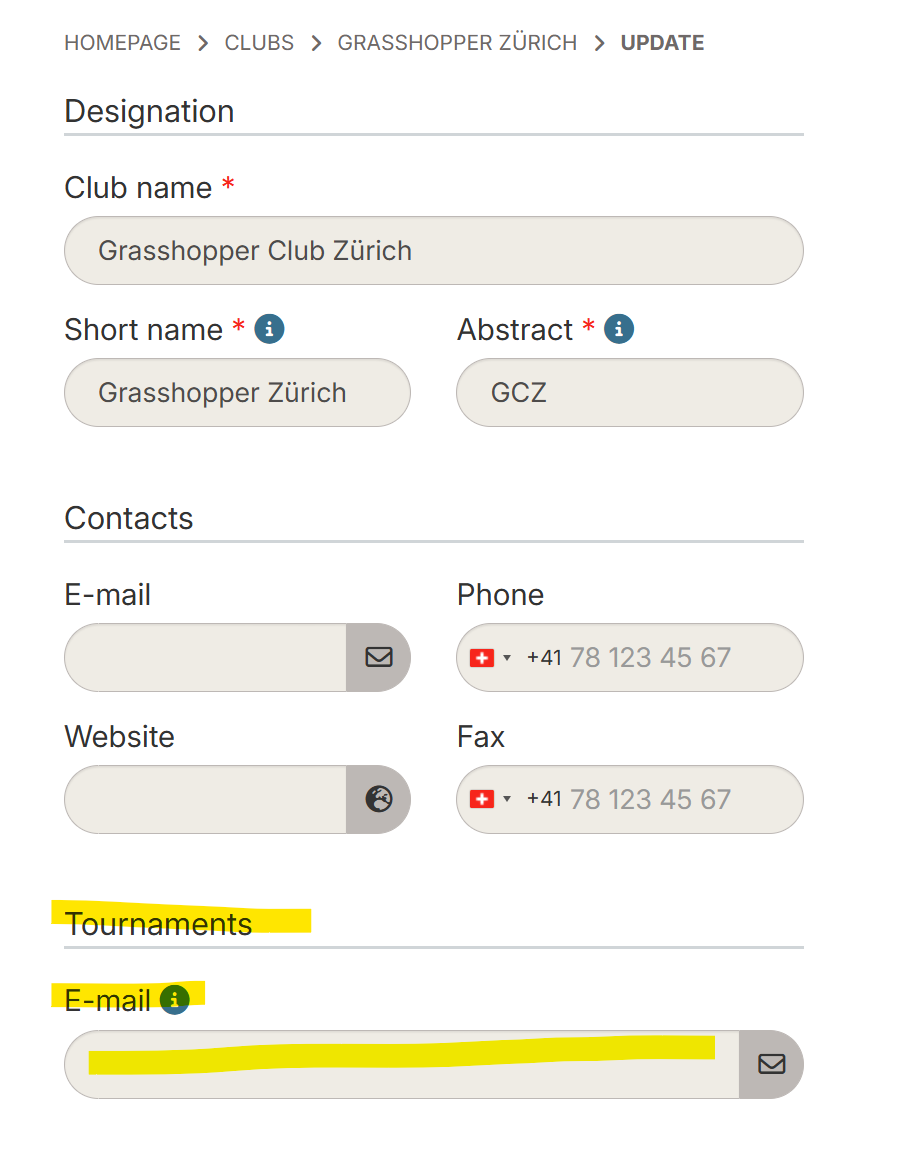
Before assigning organizers to a tournament, it is possible to define a centralized email address at the club level for all tournament-related messages.
Club-level Configuration
- Go to the club creation or edit page
- Fill in the Tournament email address field
- This address will receive all messages related to the club's tournaments
Email Address Verification
- On the club list, an icon indicates whether a tournament email address is defined
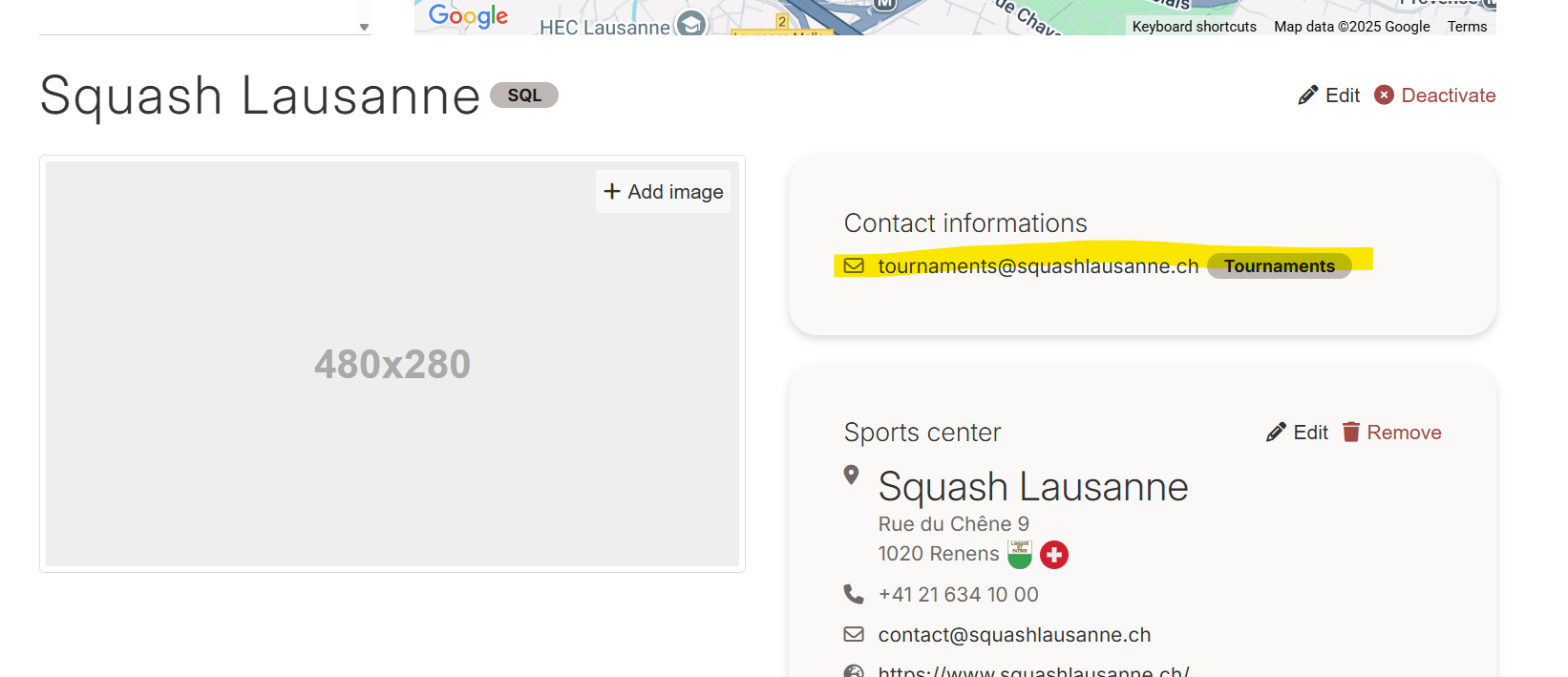
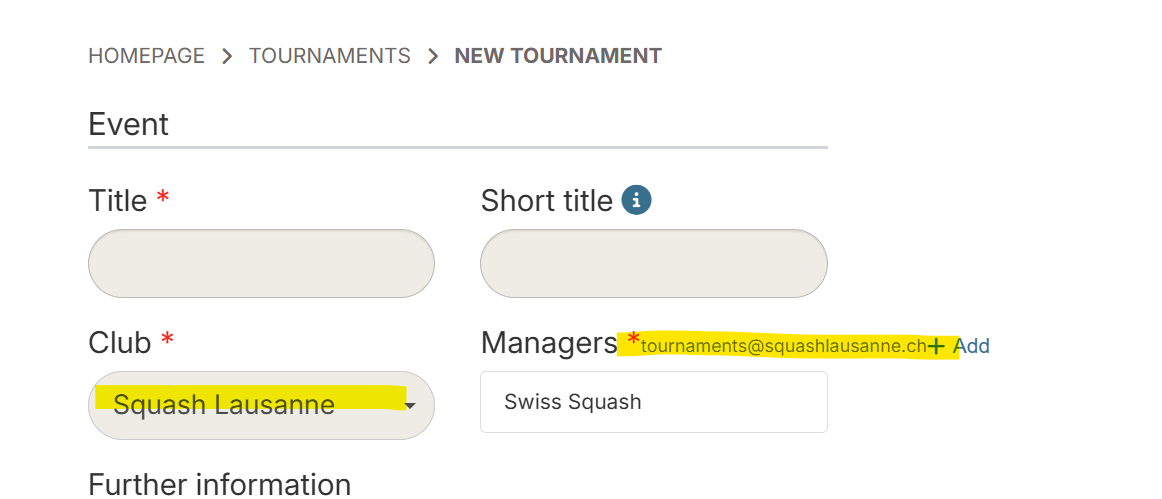
- When creating a tournament, you can verify if the organizing club has a dedicated email address
Adding Multiple Organizers
When Creating or Editing a Tournament
- Go to the tournament creation or edit screen
- In the Organizers section, you can add multiple people
- Use the Add an organizer button to add new ones
- The first organizer in the list is the one who will appear in emails sent to participants. Use drag and drop to determine the primary organizer
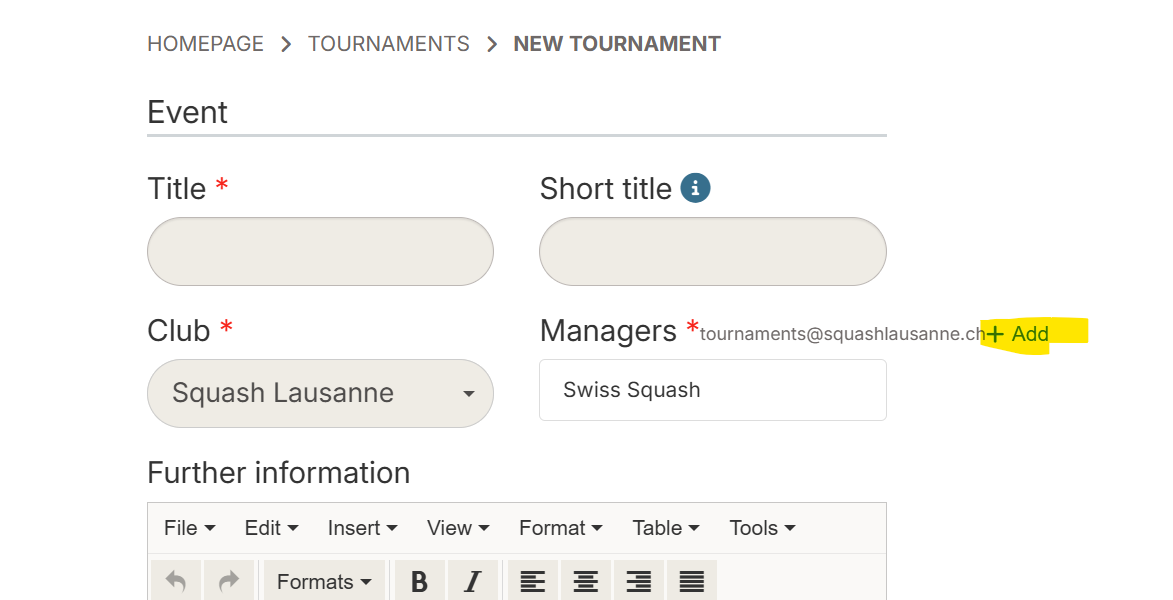
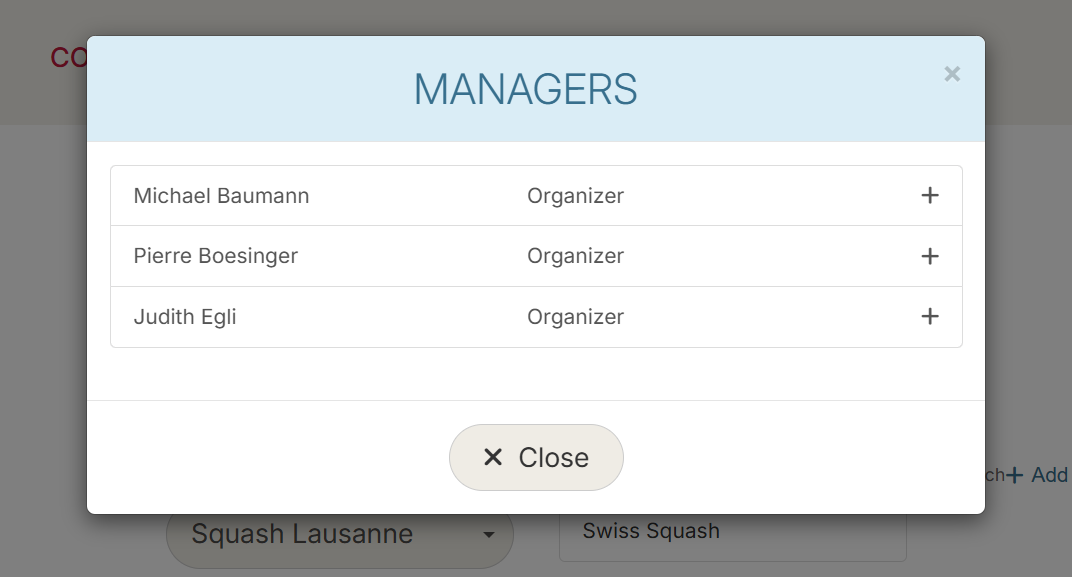
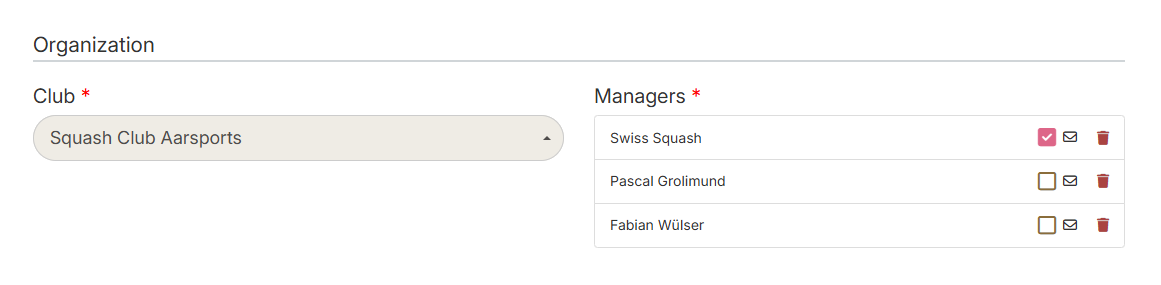
- It is possible to select which organizers will be notified for the tournament
Displaying Organizers
On the Public Tournament View
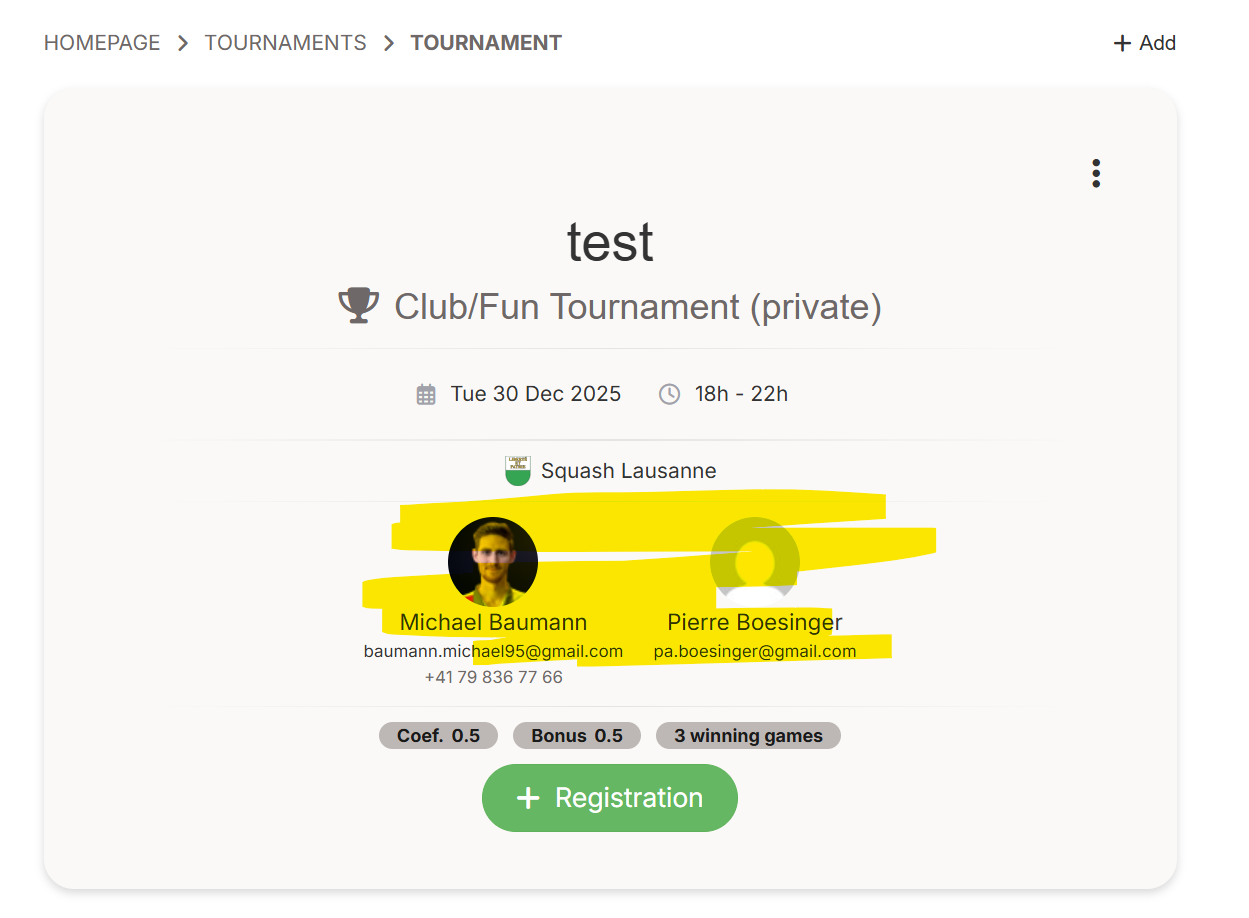
Organizers are displayed on the tournament detail page, allowing participants to identify the responsible persons.
On the Generation Interface
In the tournament generation interface, the complete list of organizers is visible. From this page, it is possible, even for an ongoing tournament, to add/remove an organizer and/or modify the primary organizer.
Best Practices
- Define a primary organizer: Place the person who will be the main contact in first position
- Centralize communications: Configure the club's email address to avoid missing important messages