Members Management
This section explains how to manage members duties.
Access Members Management
- Go to the following page: https://my.squash.ch/member
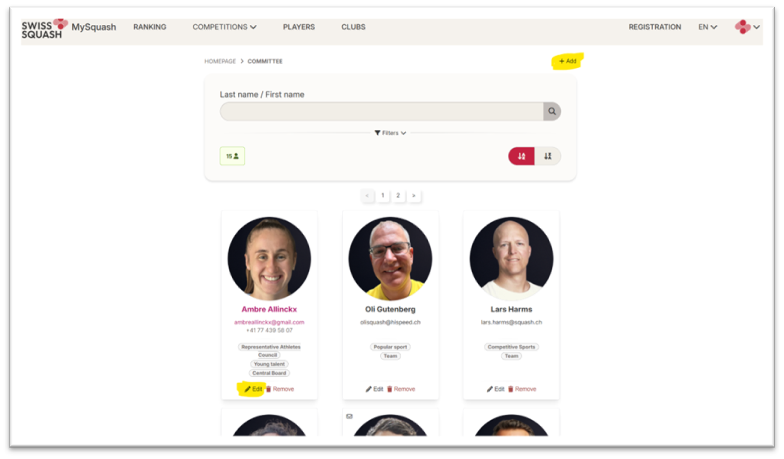
- From here, you will be able to:
-
"Edit" a member's duties
-
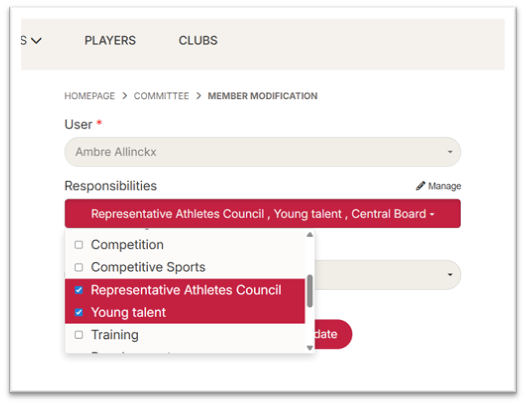
"Add" a new member and assign him/her duties To add a new member, he/she has to have an account on MySquash.
Manage duties
- On the same line of the label "Responsibilities", click on "Manage"
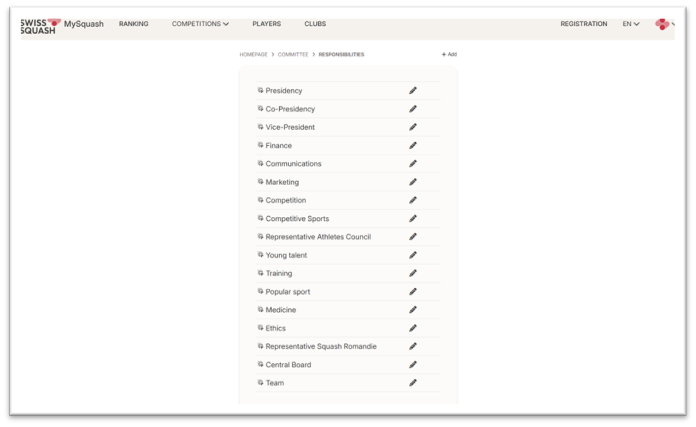
- Next to each duty, click on the pencil icon to edit an existing duty
- Click on "Add" on the top of the list to create a new duty Set the label for the 4 languages
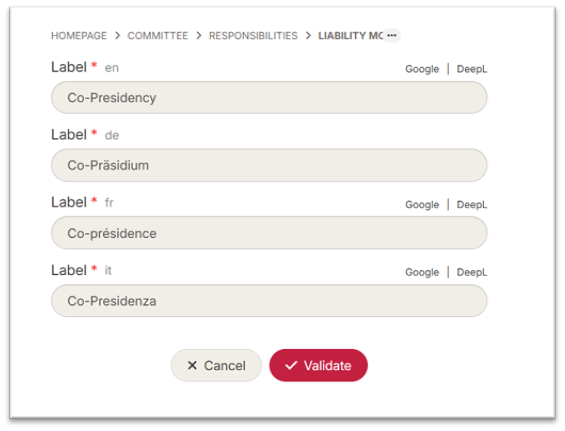
Click "Validate" once done
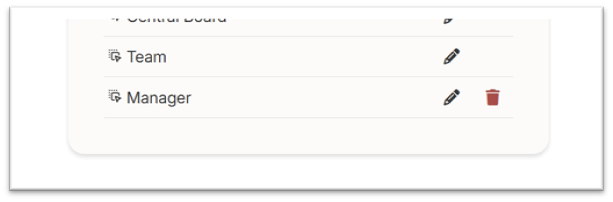
- You can also delete a duty but only if it is not assigned to a member