MySquash integration
Tournament and interclub matches can be refereed straight from MySquash with the Squash Ref App scoring application.
The principle: you launch refereeing from MySquash, the app opens with the match already set up (players, court, format), and the score comes back into MySquash at the end. No re-entry.
I click the green flag
The match is started and free. One click launches everything.
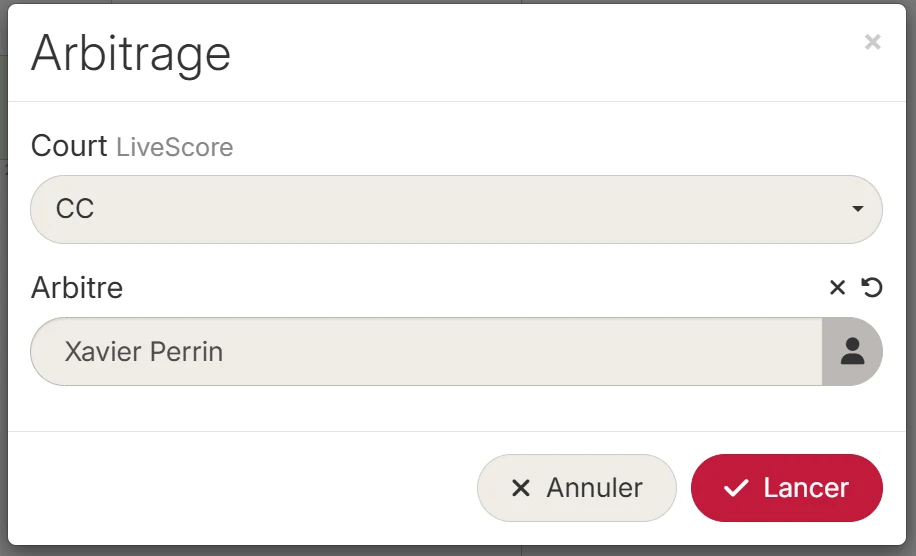
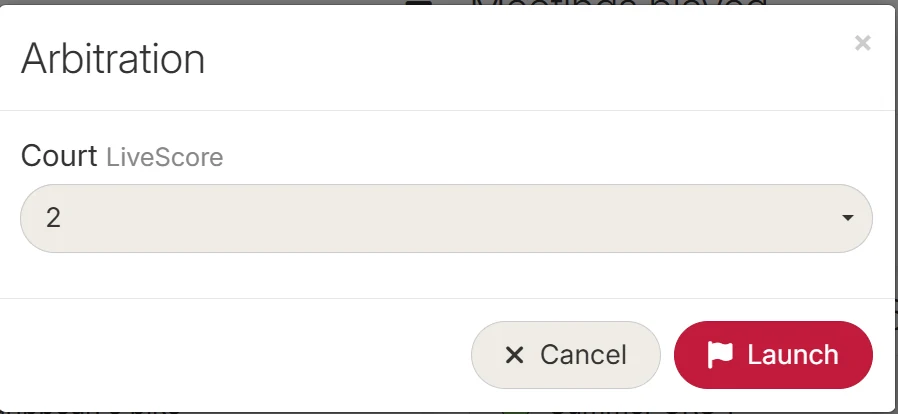
I pick the court
In a tournament, I also name the referee.
I open the app
Players, court and format are already there. I just referee.
I watch the live score
Every point reaches MySquash while the match is played.
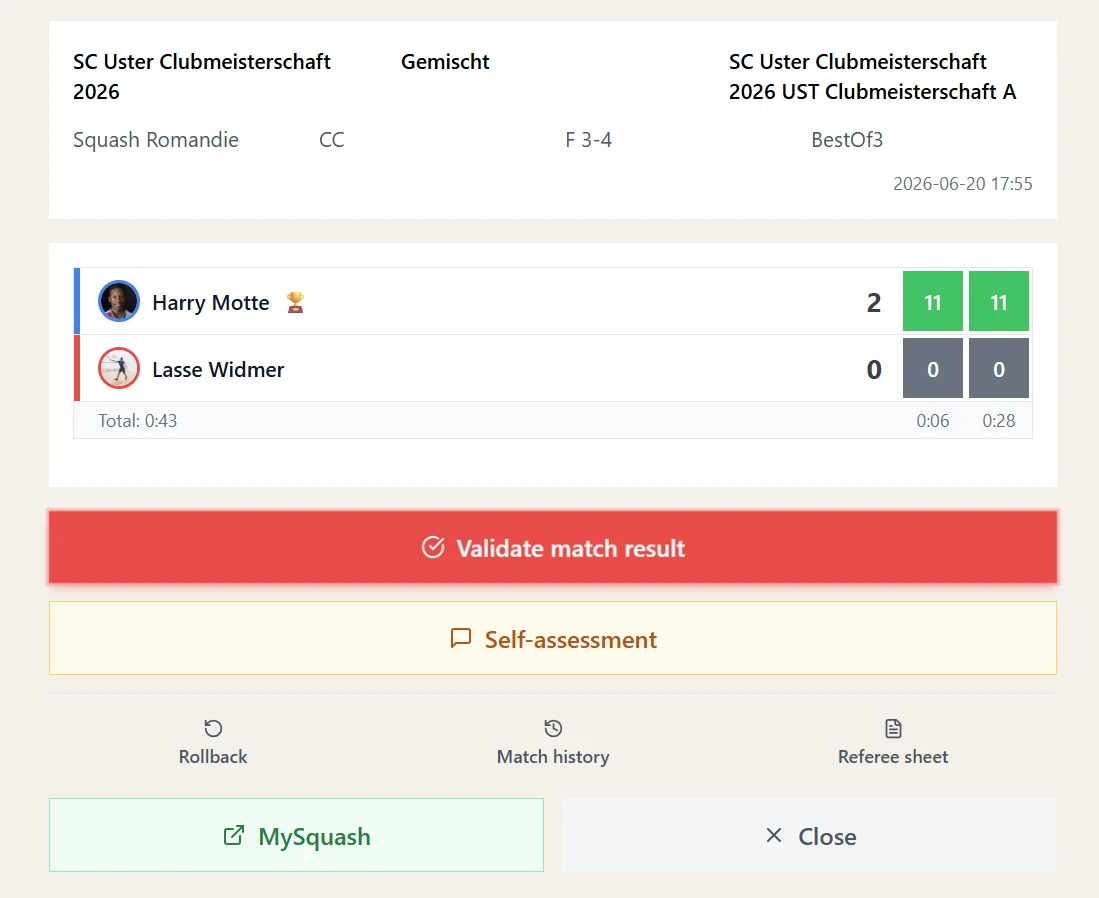
I validate
The score goes to MySquash. Nothing to re-enter.
The score that flows in during the match can also be shown on a club screen: see Live score broadcasting.
How to launch a refereeing session
The starting point is always the same: the match's green flag. What changes next is the account signed in on the device that launches it.
I referee from my phone
I am a player or a referee, signed in to my own account.
- I click the match's green flag
- I pick the court
- I am the referee - my name is already there
I organise from the club tablet
The device is signed in to my organiser account.
- I click the match's green flag
- I pick the court
- I name the referee from the list
We are playing an interclub
On the day of the meeting, from any device.
- I expand the day's meeting
- I click the match's green flag
- I pick the court - that's all
I release a refereeing session
The red flag is up but the session is stuck.
- I click the match's red flag
- I see the name of the current referee
- I release the session - the match turns green again
The two dialogs differ by a single field. In a tournament the referee is named; in an interclub they are not.
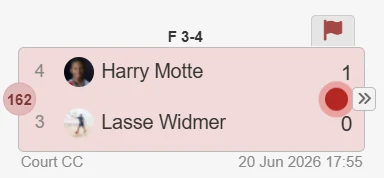
During the match the score updates in the draw on every point. At the end the referee validates in the app and the result goes to MySquash: the match closes and the draw moves on.
The flags
Every match carries a flag showing its state with regard to electronic refereeing. It is the entry point for all the actions described on this page.
The match has not started. The organiser starts it.
Match under way, free. I can launch refereeing.
A referee has taken it. Manual entry is blocked.
Score validated, match over and draw updated.
Who can do what
Starting a match and picking the court: tournament organiser, club manager, administrator. Launching refereeing on a match already started: everyone, players included. Releasing a refereeing session: tournament organiser, club manager, administrator only. For everyone else the red flag is purely informative.
What you need to know
In an interclub, the green flag only appears on the day of the meeting
Outside that day refereeing cannot be launched. Both players must also be named and the match must not already have a result.
Manual entry is blocked while refereeing is under way
As long as the red flag is up the match score cannot be edited by hand - not even by the organiser. To enter a score manually, the session must be released first.
Releasing a session cuts off the referee's app
Clicking the red flag shows the name of the current referee and offers to release the session. This is useful when refereeing was launched by mistake, on the wrong match, or the referee left without finishing.
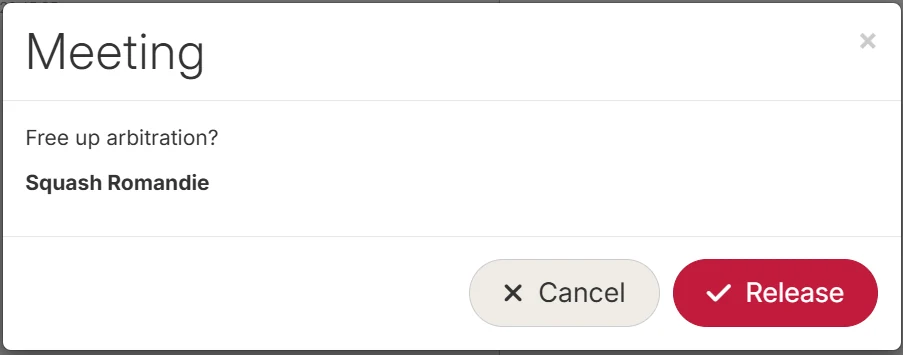
Once released, the match turns green again and becomes available. The app used by the previous referee can no longer send a score for this match: if refereeing was interrupted midway, the score will have to be entered manually or refereeing launched again.